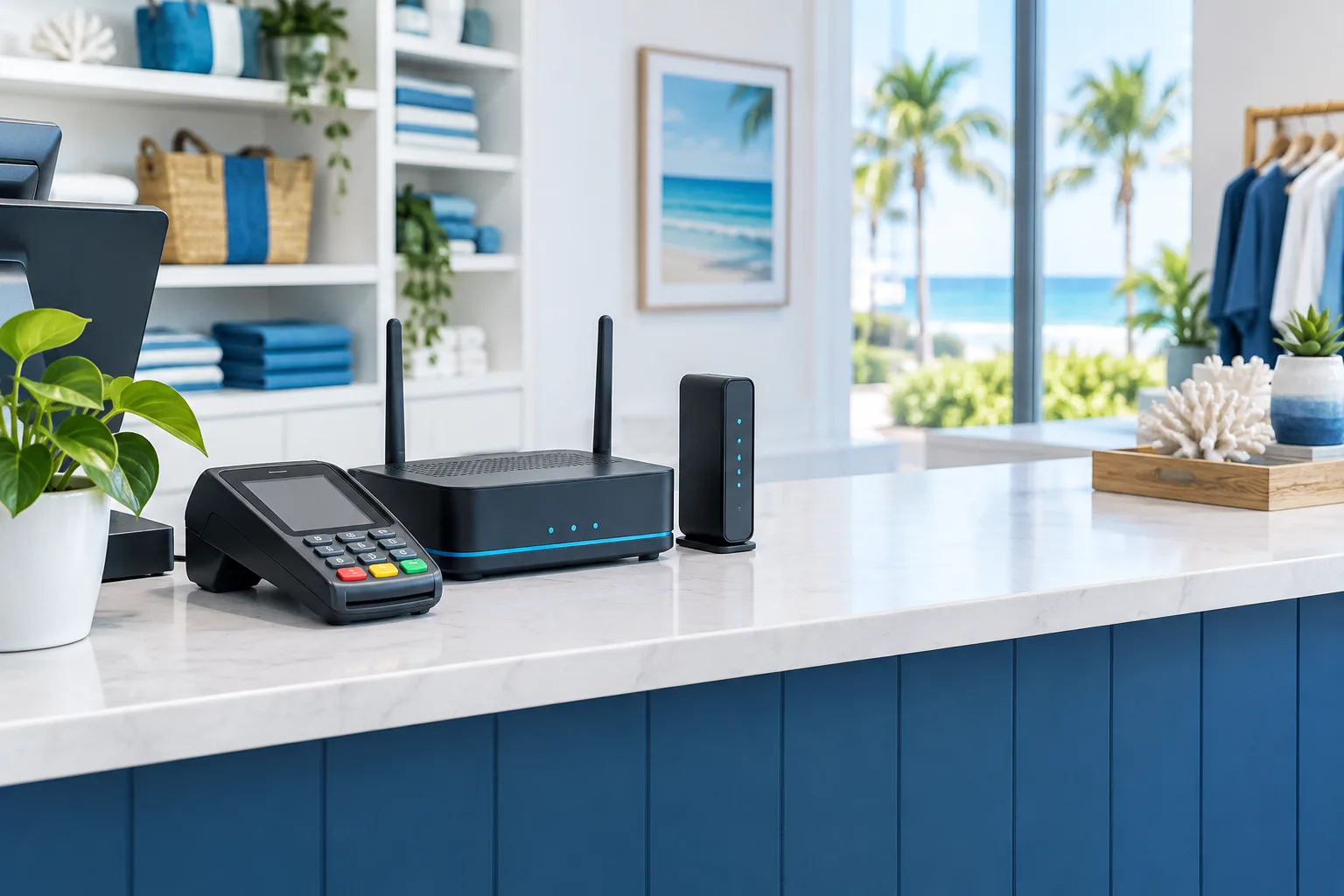
When a shop’s internet goes down, card payments may stop along with it. For a Flagler Beach business, internet failover for a payment terminal usually means connecting the primary internet service and a cellular backup to a router that can switch connections automatically.
A cellular hotspot can be useful in a pinch, but it is not the same as automatic failover. A dependable setup monitors the primary connection, moves traffic to the backup when needed, and is tested with the payment terminal and processor before an outage occurs.
The practical setup: wired internet, cellular backup, and a dual-WAN router
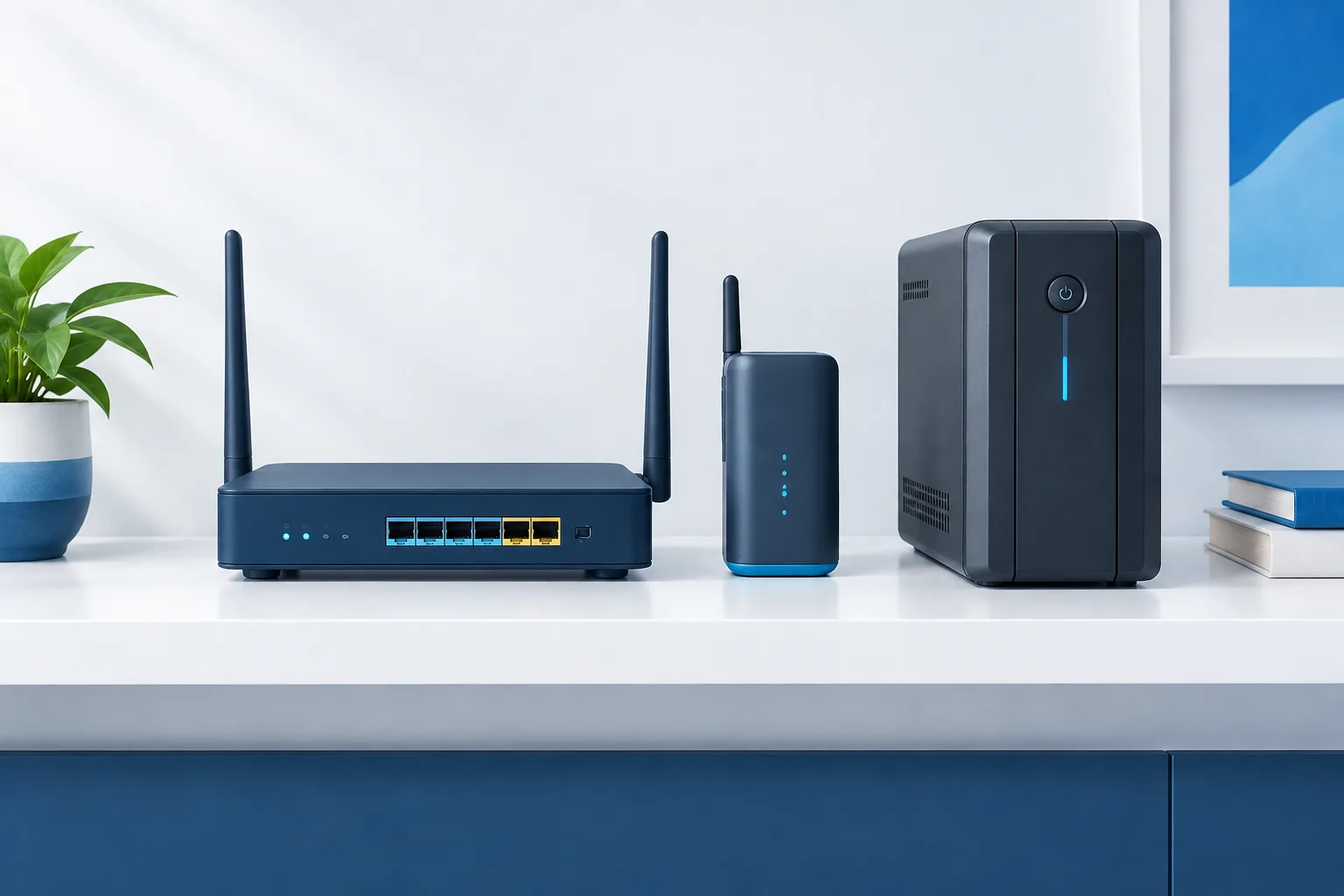
Start with a dual-WAN router. One internet connection, often the shop’s wired service, acts as the primary link. A cellular modem or compatible cellular service provides the backup connection. The router monitors whether the primary connection is working and can route traffic over cellular when it detects a failure. Cradlepoint’s overview of failover and failback explains the basic switching behavior.
Make sure the payment terminal is connected to a network the router can move to the backup path. Depending on the terminal and its approved configuration, that may be a wired connection or a dedicated wireless network. Ask the payment provider or terminal vendor which connection settings the device requires before changing anything.
A cellular hotspot may require someone to notice the outage, connect the terminal, and confirm that payments work. A dual-WAN router can make that transition automatically, but only if it is configured to recognize a real internet failure and the backup connection is available. A router that only checks whether a cable is plugged in may not respond correctly when the modem or ISP has failed upstream.
Check cellular coverage where the shop actually operates
Cellular reception can vary from one part of a building to another. Check signal at the router’s intended location, not just outside or on a phone elsewhere in the shop. Test during the times the store is open, and consider whether the backup connection can support the payment terminal along with any other services that need to stay online.
Using a cellular provider different from the primary ISP can reduce reliance on the same connection path. It does not guarantee that the backup will work during every outage. A local power issue, cellular congestion, weak indoor signal, or a wider service interruption can affect availability. Treat carrier diversity as a resilience measure to evaluate, not a promise.
Also decide what should use the cellular link. For a small shop, the priority may be payment traffic and business voice service, rather than every device in the building. Ask your network provider to configure the failover policy around the shop’s needs and the limits of the cellular plan.
Keep the payment network separate
The payment terminal should not share an open network with customers or unrelated devices. A practical design separates payment equipment from guest Wi-Fi and, where appropriate, other business devices. Use the access controls and network configuration recommended by the payment provider, and avoid making changes that could interfere with the terminal’s approved setup.
Network separation is a security measure, not proof that a shop meets every payment-security requirement. The PCI Security Standards Council’s small merchant guide to safe payments is a useful starting point. Confirm requirements for your specific terminal and payment arrangement with your processor or a qualified payment-security adviser.
If the router supports separate networks, have the payment connection configured with access limited to what it needs. Keep guest Wi-Fi away from payment devices, protect the router’s administration settings, and make sure changes to the network are documented. For help planning the physical and logical layout, see Flagler IT Services’ guide to business network installation in Flagler County.
Protect the equipment from power interruptions
Internet failover cannot help if the equipment loses power. A UPS can keep the modem, dual-WAN router, cellular equipment, and payment terminal running during a power interruption, as long as the connected devices remain within the UPS’s capacity and available runtime.
List every device the payment connection depends on, then check which ones need battery backup. A UPS connected only to the router will not keep the terminal online if the terminal itself loses power. Likewise, battery-backed equipment cannot restore a cellular signal or ISP service that is unavailable.
Test the UPS in a controlled way and replace or maintain it according to its manufacturer’s instructions. A business continuity plan should also clarify what staff should do if both internet paths or power are unavailable. Flagler IT Services has more on preparing for disruption in its guide to backup and recovery for Flagler County businesses.
Do not treat offline payment mode as a guaranteed substitute
Some terminals or payment systems may offer store-and-forward or other offline transaction options. These are different from internet failover: the terminal may hold transaction details and attempt to submit them later, rather than obtaining an approval at the time of sale.
Whether offline transactions are available depends on the terminal, processor, and acquiring bank. A transaction stored for later can be declined when it is submitted, which may leave the merchant responsible for the loss. Visa’s Transaction Acceptance Device Guide discusses deferred authorization and related merchant risk.
Before enabling offline acceptance, ask your payment provider what the terminal supports, what limits or conditions apply, and how staff should handle a declined transaction. Do not assume a payment is approved simply because the terminal accepted it for later processing.
Test failover before relying on it
Arrange a test with your network or payment provider during a quiet period. Let staff know what to expect, and confirm the test will not disrupt active sales. A useful check includes:
- Confirming the terminal can complete a payment using the primary internet connection.
- Simulating loss of the primary connection and checking that the router switches to cellular.
- Confirming the terminal reconnects and the processor reports the expected result.
- Checking whether business voice service or other priority applications also move to backup.
- Restoring the primary connection and confirming the router returns to the intended connection.
- Verifying that the UPS supports the equipment and that staff know the steps to follow if failover does not work.
Record the setup and the test results in a place staff can find. Repeat the test after significant changes to the router, terminal, ISP, cellular service, or payment configuration.
Frequently asked questions
What equipment is needed to keep a payment terminal online during an ISP outage?
A typical setup includes a dual-WAN router, primary internet service, a compatible cellular modem or backup connection, and UPS coverage for the equipment that needs power. The terminal and payment provider must support the chosen network configuration.
Can a cellular failover router switch a POS terminal automatically?
Yes, when the router is configured to monitor the primary connection and the payment terminal is connected through it. Test the transition with your provider before depending on it during sales.
Should cellular backup use a different carrier from the primary ISP?
It can help reduce reliance on a shared connection path, but it is not a guarantee. Check coverage at the shop and test the actual cellular backup connection.
Can a terminal process payments if both internet connections are down?
Only if the terminal and payment provider support an offline option, and that option may carry a risk of later declines. Confirm the rules and merchant responsibility with your processor before enabling it.
Keep sales moving with a tested plan
For a Flagler Beach shop, a monitored dual-WAN router, tested cellular backup, isolated payment network, and UPS coverage make a practical starting point. The right configuration depends on the terminal, processor, and connections available at the shop. Zevonix provides managed IT and technology services across Flagler County, including Flagler Beach. Contact the team at (386) 260-0777 to discuss a failover plan for your business.