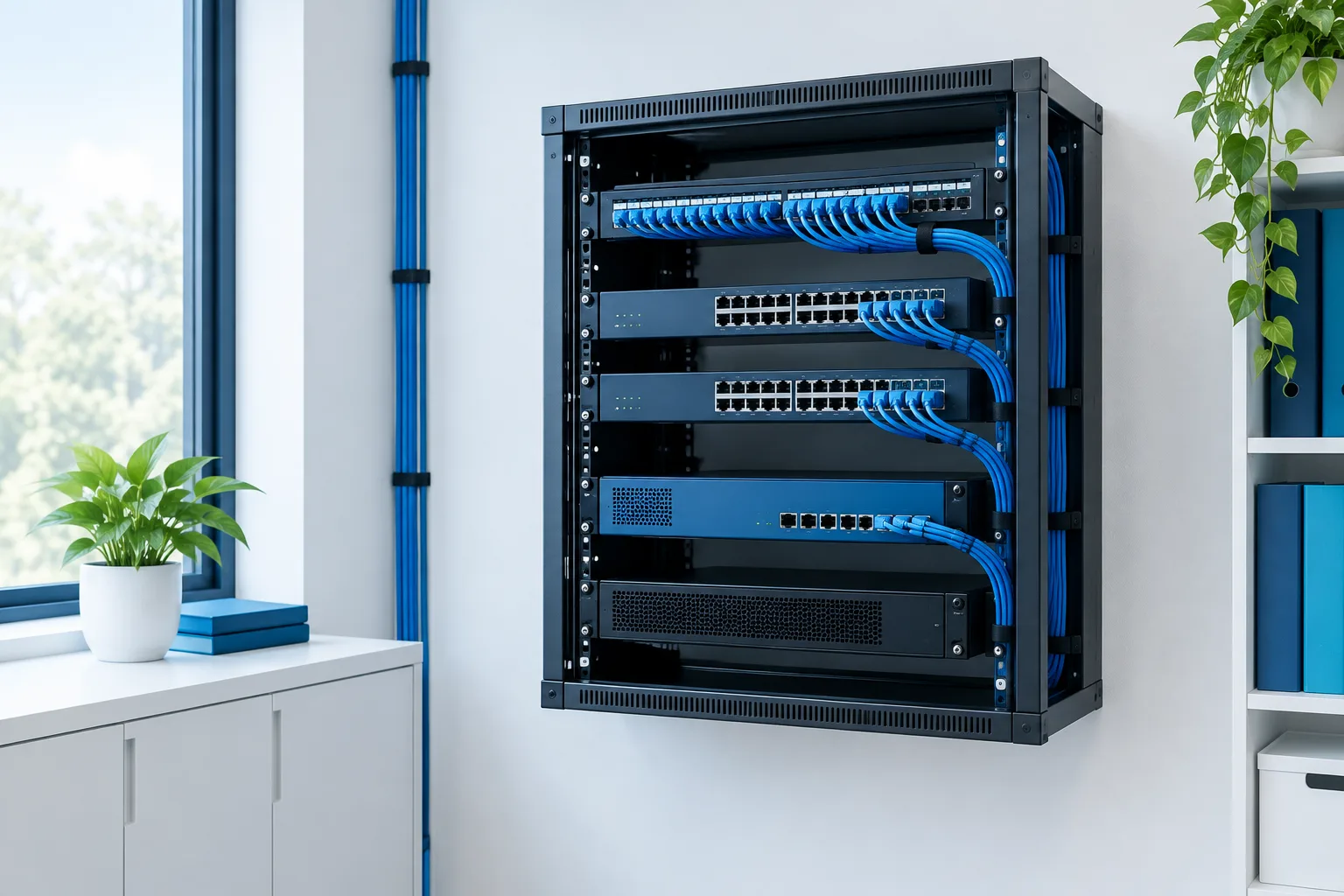
A business firewall and network switch replacement checklist can help you avoid a rushed purchase and reduce disruption when equipment changes. Before choosing a replacement, document what your network supports today, what it may need to support next, and how you will test the change.
For businesses in Flagler County, that review should include more than computers and internet access. Phones, payment systems, wireless access points, cameras, printers, and building or industrial equipment may also rely on the network. Work through these decision points before procurement.
Document the current network first
Start with a current inventory and a simple network diagram. Record the equipment model and configuration, where it is installed, what it connects to, and who depends on it. Note any details you may need to reproduce, such as network segments, firewall rules, VPN access, and wireless settings.
Include the internet-provider handoff, cabling, switch uplinks, wireless access points, servers, phones, printers, cameras, payment devices, and any access-control or building systems. Record which applications and business processes depend on each connection. If you have a network installation plan or diagram, use it as a starting point, then verify that it reflects the current setup. Our guide to network installation in Flagler County offers related context.
Also identify who owns each system and who can confirm it works after the change. A device list without an application or business owner can leave important dependencies untested.
Check capacity against real and expected use
For a firewall, look beyond the headline speed listed for basic traffic handling. Consider the performance you need when the security features your organization plans to use are enabled. Those may include traffic inspection, filtering, VPN connections, or other protections. Ask the vendor or technical adviser how capacity is measured for the proposed configuration, and compare it with your current traffic and likely growth.
Review peak periods as well as ordinary use. Consider whether staff work remotely, whether cloud applications carry more of the workload, and whether you expect to add users, locations, or connected devices. Seasonal tourism surges in Flagler Beach or growth in Palm Coast professional services may make future demand relevant to a local business’s planning. Avoid selecting equipment based only on a quiet day or current average use.
For switches, check port count, port speeds, uplink capacity, and power needs for connected equipment. Confirm there is enough capacity for the devices in your inventory and any planned additions. If a switch supplies power to phones or wireless access points, verify that its power capacity is suitable for the connected devices. Leave room for practical growth without buying features or capacity you cannot explain a need for.
Confirm compatibility before ordering
Make a compatibility checklist for every device and service that will connect to the new equipment. Check the internet-provider handoff and confirm that the replacement firewall supports the connection type and configuration your provider uses. Review cabling and uplinks, including whether existing connections can operate at the speeds you expect.
- Wireless: Confirm access points, controller arrangements, and wireless network settings will work with the replacement switches and firewall.
- Phones and communications: Check business VoIP phones, call systems, and any network settings they require.
- Business devices: Include printers, cameras, payment terminals, servers, and any specialized or building equipment.
- Network design: Document VLANs, IP addressing, routing, and any network segments that need to remain separate.
- Remote access and applications: Check VPN users, cloud services, and connections to other locations or vendors.
If payment-card systems are part of the network, confirm which components and connections are in scope for your organization’s requirements rather than assuming a new firewall alone settles the question. The PCI Security Standards Council FAQ on system components explains that applicability depends on the component’s role and relationship to the cardholder data environment.
Verify support and security lifecycle
Before replacing equipment, check the manufacturer’s support status for the firewall and switches you have now, as well as the proposed models. Look for the vendor’s published lifecycle information and confirm whether security updates, technical support, and replacement options remain available. Keep a record of the status and any dates the vendor publishes so the decision is based on current documentation.
For the replacement, ask how security updates are delivered, who will apply them, and how the equipment will be monitored and maintained. Consider the features your organization actually needs, such as VPN access, traffic inspection, or network segmentation. The NIST firewall guidelines can help inform questions about firewall policy, deployment, and ongoing management.
Make sure the design matches your internal security requirements and any obligations that apply to your business. A feature list is not a substitute for knowing what systems need protection and how rules will be reviewed over time.
Plan the cutover and a safe way back
Before work begins, confirm that you have current configuration backups for the equipment being replaced and that someone knows how to restore them. Document the new configuration, the steps for switching over, and the rollback procedure. Agree on who is responsible for each task, who can approve a decision to roll back, and how staff will report problems.
Choose a maintenance window that fits your business operations. Tell affected employees and service owners what may be unavailable and when. Coordinate with your internet provider or other vendors if their participation is needed. If the work could affect phones, payment processing, customer service, or an essential application, include the relevant owner in planning and testing.
Define pass-or-fail checks before the change. Test internet access, internal network connections, wireless access, VPN access, business applications, phones, printing, payments, and any connected equipment that matters to your operations. Have the people who rely on those services confirm they work, rather than relying only on indicator lights or a successful connection to the network.
Consider power, internet, and communications continuity as part of the schedule. Confirm what happens if an outage overlaps the maintenance window and how staff will communicate if normal channels are unavailable. Ready.gov’s business power outage toolkit provides general preparation guidance that can support this planning. For local continuity considerations, see our checklist for business operations after a storm.
Make the decision with a complete checklist
Before approving a purchase, make sure the inventory is current, capacity has been considered with planned security features enabled, connected devices have been checked for compatibility, and manufacturer support has been verified. Then confirm that configuration backups, owners, a maintenance window, acceptance tests, and rollback steps are ready.
A deliberate replacement plan helps connect network equipment to the work it supports. If your Flagler County business wants help reviewing a firewall or switch replacement, contact Zevonix to discuss your network and change plan. The company serves businesses across Flagler County, including Palm Coast, Flagler Beach, and Bunnell.