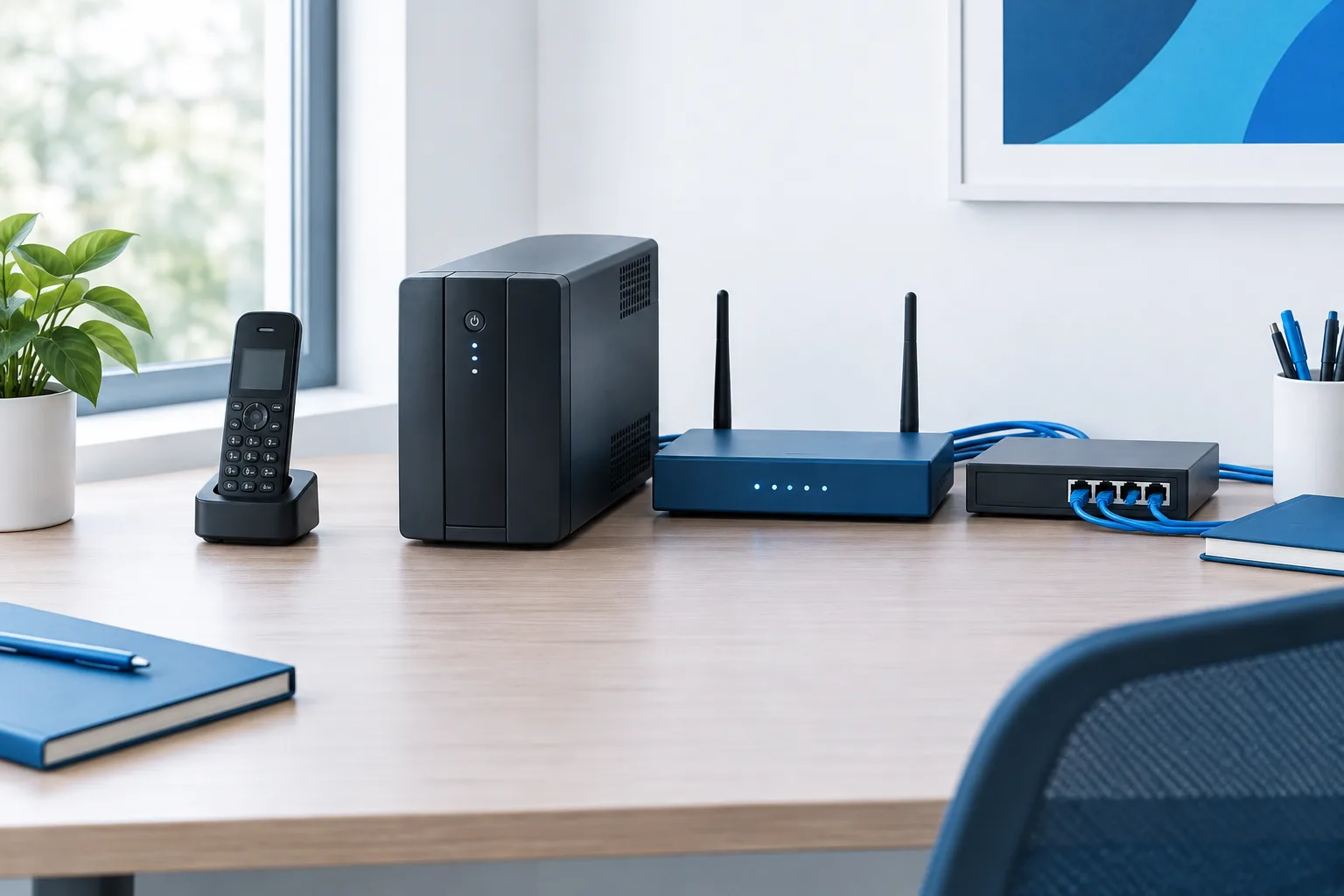
For a Flagler County business, keeping calls reachable during an outage takes more than plugging a desk phone into a battery backup. VoIP depends on a working path from your phone system to the internet, and the equipment along that path may lose power at the same time. The FCC notes that VoIP availability during a power outage depends on maintaining internet service and backup power. Review the FCC guidance on VoIP and power outages.
Use this checklist to identify what needs backup power, decide how to maintain connectivity, and prepare another way to receive calls if the office cannot connect. The goal is to make a plan that fits your phone setup and can be tested before an outage.
Map the parts of your VoIP setup
Start by tracing how a call reaches your staff. Depending on how your service is configured, the chain may include a VoIP phone or handset base, a network switch, a router, a modem or fiber terminal, and the internet provider’s network. A locally hosted phone system may also be part of the chain. Some desk phones receive power through a network switch, so backing up the phone alone may not be enough.
Ask your internet and phone providers or IT support contact to help identify the equipment your business needs for calls. Write down which devices are in the office, which are powered by the same outlet or circuit, and which services depend on an outside provider. If you use cloud-hosted VoIP, the provider’s phone platform may remain available while your office loses connectivity, but staff still need a way to connect to it.
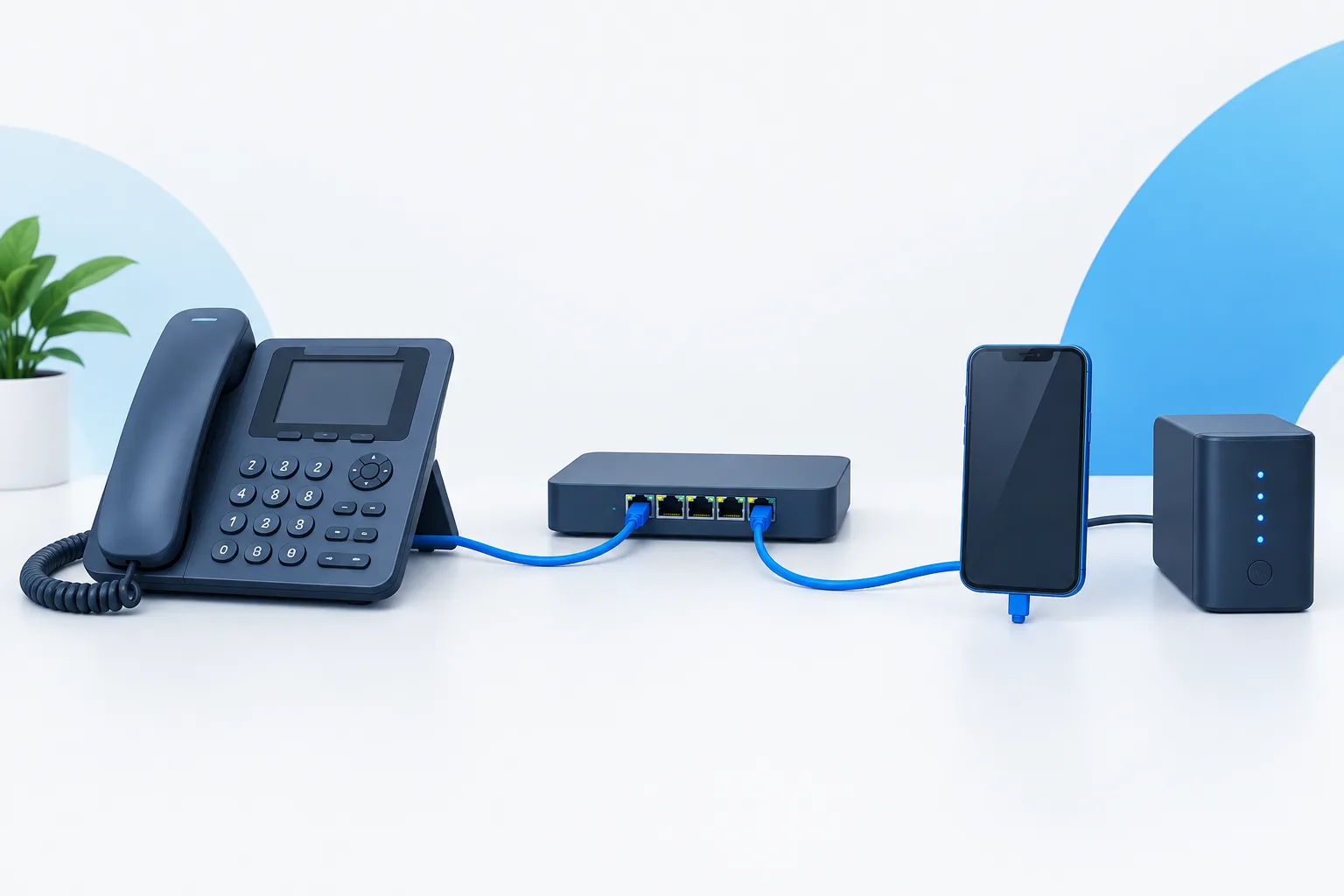
Checklist: prepare for each outage point
Back up power for the full equipment chain
- List every device calls depend on. Include phones, handset bases, network switches, the router, modem or fiber terminal, and any locally hosted phone equipment.
- Choose backup power for the equipment, not just the phones. A UPS can provide temporary power, while a generator may support equipment for a longer period if it is suitable for the site and used safely. Confirm the equipment’s power needs and the backup system’s capacity with a qualified provider.
- Check the expected runtime. How long a UPS can run equipment depends on the connected load, battery condition, and other factors. Ask the supplier to estimate runtime for the devices you plan to connect, and replace or service batteries as recommended.
- Keep essential equipment together where practical. A backup battery cannot help a device that is plugged into an unprotected outlet or a separate power source that has failed.
- Plan for safe shutdown or handoff. If backup power is limited, decide which equipment and business functions should take priority.
Plan an alternate internet connection
Backup power and backup internet solve different problems. A UPS may keep your office equipment running, but it does not keep the provider’s network operating. An alternate connection, such as a cellular internet service, may help if the primary connection fails. It still needs compatible equipment, adequate signal at the site, and power for the modem or router using it.
- Ask your internet provider or IT support contact whether your setup can switch to an alternate connection.
- Confirm that the backup connection can support the phone service and other essential systems you intend to use.
- Check how the alternate connection is powered and whether it depends on equipment already included in your backup-power plan.
- Decide who is responsible for recognizing a connection failure and switching service, whether that happens automatically or requires action.
For a closer look at how a secondary connection can support business operations, see this guide to internet failover for a Flagler County business. The details of a payment terminal setup may differ from VoIP, but the same planning question applies: what must remain connected for essential work to continue?
Prepare call forwarding as a separate fallback
Call forwarding can offer another route for incoming calls if the office loses power or internet. It is different from internet failover: forwarding may send calls to a mobile phone or another location without restoring the office connection. Whether that is available, and how it is controlled, depends on your phone service.
- Ask your VoIP provider whether calls can be forwarded if the office is offline.
- Choose the destination, such as a designated mobile phone or alternate work location, and confirm that the person receiving calls knows what to do.
- Find out how forwarding is activated or changed if staff cannot access the office network. Confirm who is authorized to make the change and how they can reach the provider.
- Consider what callers should hear if the intended person cannot answer, such as a voicemail greeting with an alternative contact method.
For help understanding business phone options, see the overview of VoIP services in Flagler County.
Test the plan before an outage
A plan is only useful if staff can carry it out. Schedule a test with your phone and internet providers or IT support contact. Avoid simply unplugging equipment without preparation, since an unplanned test could interrupt business systems or calls.
- Confirm the backup power arrangement. With appropriate guidance, check that the intended devices receive power from the backup source.
- Test the alternate internet path. Confirm that the backup connection can support your phone service and that the required network equipment remains powered.
- Test call forwarding. Place test calls from outside the business and confirm they reach the intended alternate destination.
- Test who can make changes. Verify that the responsible staff member can contact the provider and activate or adjust routing when the office network is unavailable.
- Record the steps and contacts. Keep provider contact details, routing instructions, and staff responsibilities somewhere authorized staff can access outside the office.
Ready.gov’s business power outage toolkit can also help you consider outage planning beyond phone service. For broader recovery planning, you can review backup and recovery considerations for Flagler County businesses.
Include emergency calling in the plan
Keeping customer and staff calls reachable is not the same as confirming emergency calling will work in every outage. Ask your VoIP provider what happens to 911 service if your office loses power, internet, or both. Confirm that the service address associated with your phone system is current, and identify another way staff can contact emergency services if the VoIP connection is unavailable.
Frequently asked questions
Will my business VoIP phone work if the power goes out?
It may, if the phone and the network and internet equipment it relies on have power and the internet connection remains available. If either part of that path fails, calls may not work from the office. Confirm your particular setup with your providers.
What equipment needs backup power for VoIP calls?
That can include desk phones or handset bases, network switches, the router, modem or fiber terminal, and locally hosted phone equipment. Your setup may use only some of these, so map the actual call path before choosing backup power.
How long will a UPS keep business phones and internet equipment running?
Runtime depends on the battery, its condition, and the equipment connected to it. Ask the UPS supplier to estimate runtime for your specific load, then test and maintain the equipment according to its instructions.
Can calls be forwarded to mobile phones if the office loses power or internet?
It may be possible, depending on your phone provider and configuration. Ask how forwarding works when the office is offline, how it can be activated remotely, and who is authorized to change the routing. Test it before relying on it.
Make call continuity part of outage preparation
For a practical plan, identify every device calls depend on, provide backup power for the complete chain where appropriate, arrange an alternate connection or call destination, and test the process with your providers. Flagler IT Services offers VoIP, network management, support, and business continuity planning for businesses across Flagler County. To review your phone and connectivity dependencies, contact the team at (386) 260-0777.